
- Before CMDglows, there was Desktop Enhanced: a Notion template that gathered more than 200 tools and tips to turn Windows into a real workstation.
- It went on sale on AppSumo in late 2021. The six reviews its buyers left are the testimonials shown on this site today.
- This is the story of that first launch: where the idea came from, what the product contained, what buyers took away from it, and how the project became a course, an app and a small family of tools.
So the reviews shown on this site are not about CMDglows as it exists today, but about that first version. This article tells the story of its launch, without dressing it up.
The starting point: Windows is built for consuming, not for working
I have been part of the lifetime deal community for years. I tested countless productivity tools there, and I reached a simple conclusion: Windows and web browsers are tuned for watching videos and doing basic tasks, not for deep work.
Three problems kept coming back:
- The good tools are scattered. Useful apps are all over the internet, some are abandoned, and it takes time to separate what works from what only looks like it works.
- Serious resources mostly target the Mac. Windows productivity guides are rare, and the ones that exist rarely cover the daily reality of an entrepreneur or a content creator.
- You forget what you installed. When you use hundreds of apps and extensions, you stop remembering their names. You need one place to find them again.
My answer was a Notion database: every tool has its link, its category and its alternatives, and you can sort it a thousand ways with tags and views. The rest of my story is on the About page.
What Desktop Enhanced contained
Desktop Enhanced was a Notion template with guidelines to turn Windows into a real workstation. In practice:
- more than 200 hand-picked tools and tips, organized by use;
- most of them free, with alternatives and a direct download link;
- a tour of the new generation of web browsers;
- guidance on customizing your browser (shortcuts, gestures, search engines, tiling, commands), downloading every image on a page in one click, automating tasks with macros, or showing several tabs on one screen;
- screenshots showing each feature in use, so you could judge it before installing anything;
- a “My Stack” view to group your own tools once you had duplicated the template.
Buyers also got access to a private Facebook group to talk about working on Windows.
The AppSumo launch
AppSumo was the obvious choice: it is the lifetime deal marketplace, so it was the audience I came from. The listing explicitly targeted productivity-obsessed people who love work hacks.
The deal terms fit in three lines:
- a digital download, at $15 instead of $50;
- lifetime access, as long as you downloaded the template within 60 days of purchase;
- no refunds.
The original listing is no longer online, but an archived copy from May 2022 shows the page as buyers saw it, with its six reviews.
What buyers said
All six published reviews are positive. The first ones date from November 2021, the last one from May 2022. Three excerpts, quoted as written:
“I feel like I’ve discovered hidden treasure.” — Florin Muresan, CEO & Co-Founder at Squirrly, May 2022
“Even if one is a windows geek, one will find golden nuggets on hacks, shortcuts which save time and fasten your work.” — Digital_Nomad, December 2021
“I was skeptical at first. It was not easy to buy truly helpful Notion templates. But I made the right decision.” — HoangV, November 2021
The full reviews are in the testimonials section of the home page. The original screenshots are gathered on the Recommendations page.
What this launch taught me
Buyers pay for the curation, not the list. The reviews keep coming back to the organization (“so well organized”, “neatly organized in sections”) and to the time saved by not searching anymore. The value was not having 200 links; it was no longer having to find and compare them yourself.
A tool is not enough without a method. One review mostly praised the part about focus: which tools to use to eliminate distractions and stop procrastinating. Tools help, but how you use them is what changes a working day.
A template is a snapshot. Once duplicated, it stops following how tools evolve: an app gets acquired, an extension disappears, a link breaks. A frozen database ages fast in a field that moves this much.
A demanding audience is a good first test. Lifetime deal buyers try a lot of tools and compare them. Seeing people who already thought their setup was well tuned still find things to learn was the best possible validation of the idea.
From Desktop Enhanced to CMDglows
That feedback validated the idea. What remained was fixing what the template could not do: teach a method, and evolve with the tools. The project grew into three parts, and its name changed along the way: it was called WinFlowz before becoming CMDglows.
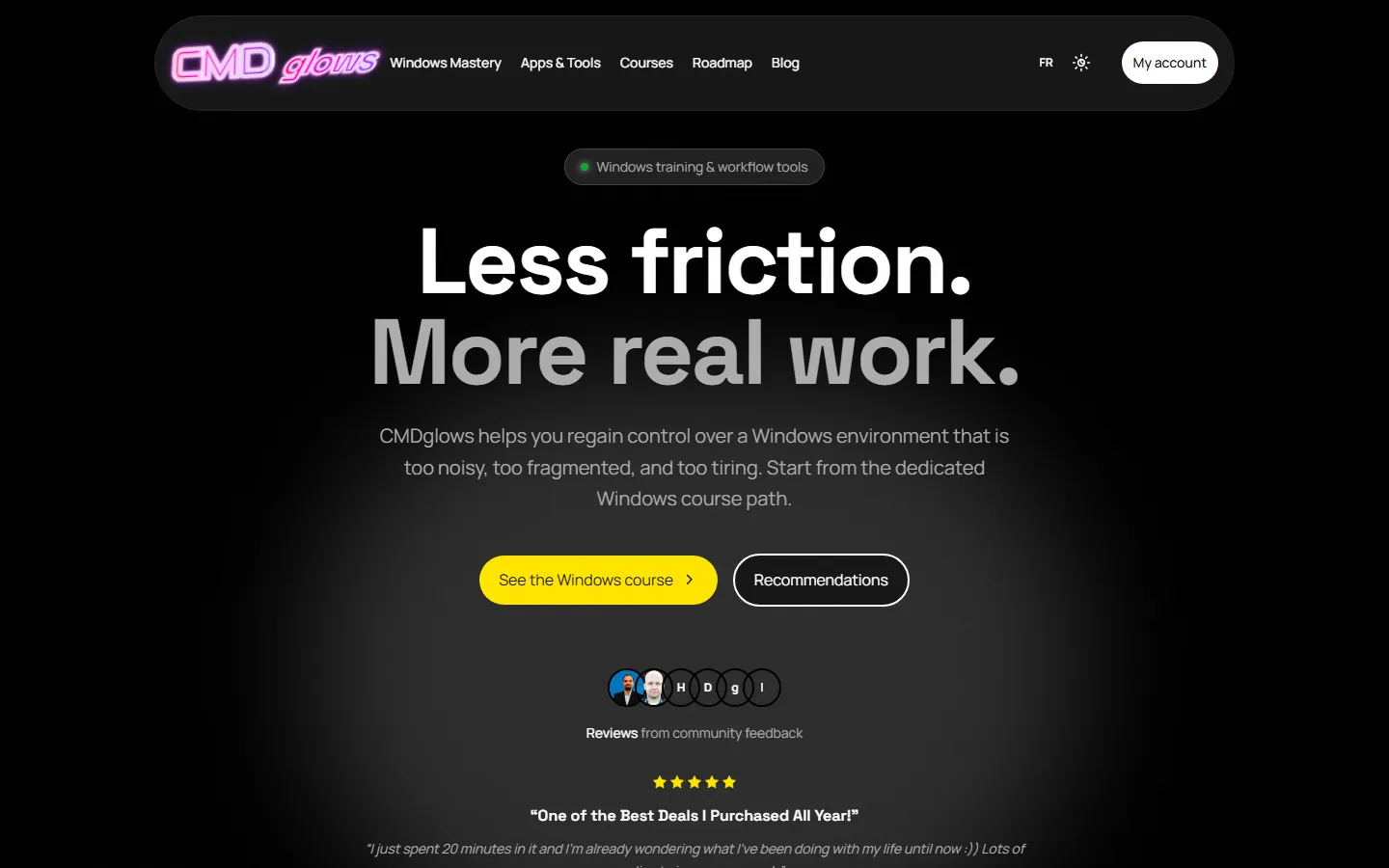
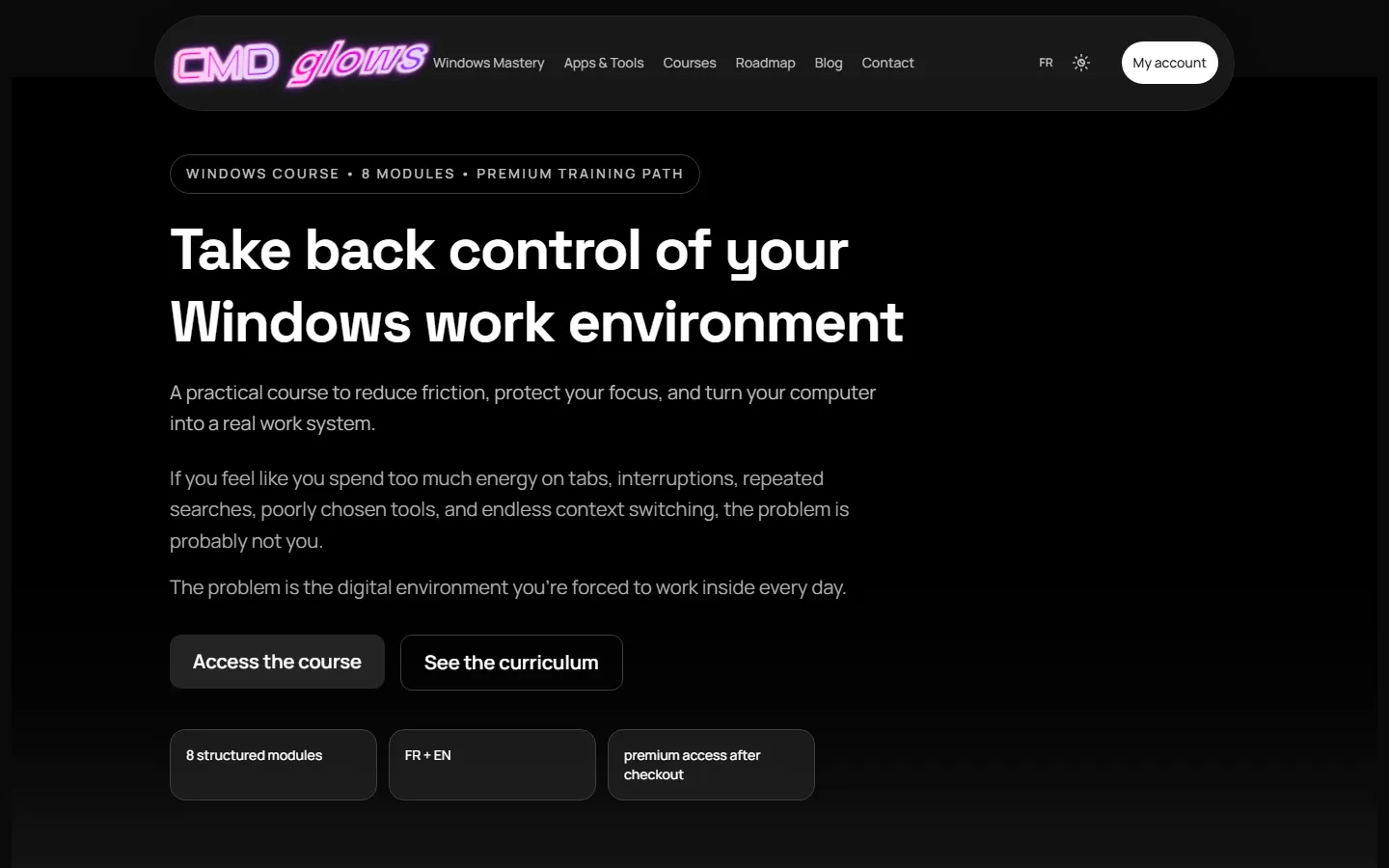
Here is what the site looked like at that stage, on an October 2026 deployment: a black background, the neon logo, and a Windows course still announced as eight modules.
A real course that keeps the apps and the hacks
The template became the Windows Mastery course. The apps and tips are still there: browsers, window tiling, automation and snippets, voice dictation, shortcuts and cheat sheets. But they now sit inside a nine-module path, from productivity and time management to knowledge management, communication and coding on mobile. Each tool shows up at the moment it solves a specific problem, instead of piling onto a list.
A main app that applies those lessons
Some lessons came up so often that they deserved their own tool. That is the job of the CMDglows app, available on Android and Windows:
- stop searching for what you already wrote: your snippets and clipboard follow you from one app to the next;
- keep your hands on the keyboard: on Android, a keyboard with a Ctrl-based action mode; on Windows, a quick panel that opens with Ctrl+Alt+Space above the app you are working in;
- speak instead of typing when it is faster: voice input in the field you are in, on both platforms.
It is the Desktop Enhanced lesson taken all the way: the value is not having the tools, it is no longer wasting time finding them.
Other apps around it
Other tools followed for specific jobs. ReplayGlows is a Chrome extension to bookmark, find and export the useful moments of YouTube videos. DreamGlows helps you move from your dreams to today’s actions, through goals and steps. ContentGlows takes you from an idea to content that is ready to publish. And the family keeps growing: the Apps & Tools page presents our apps.
To judge for yourself, start with the original reviews, then read the course overview.